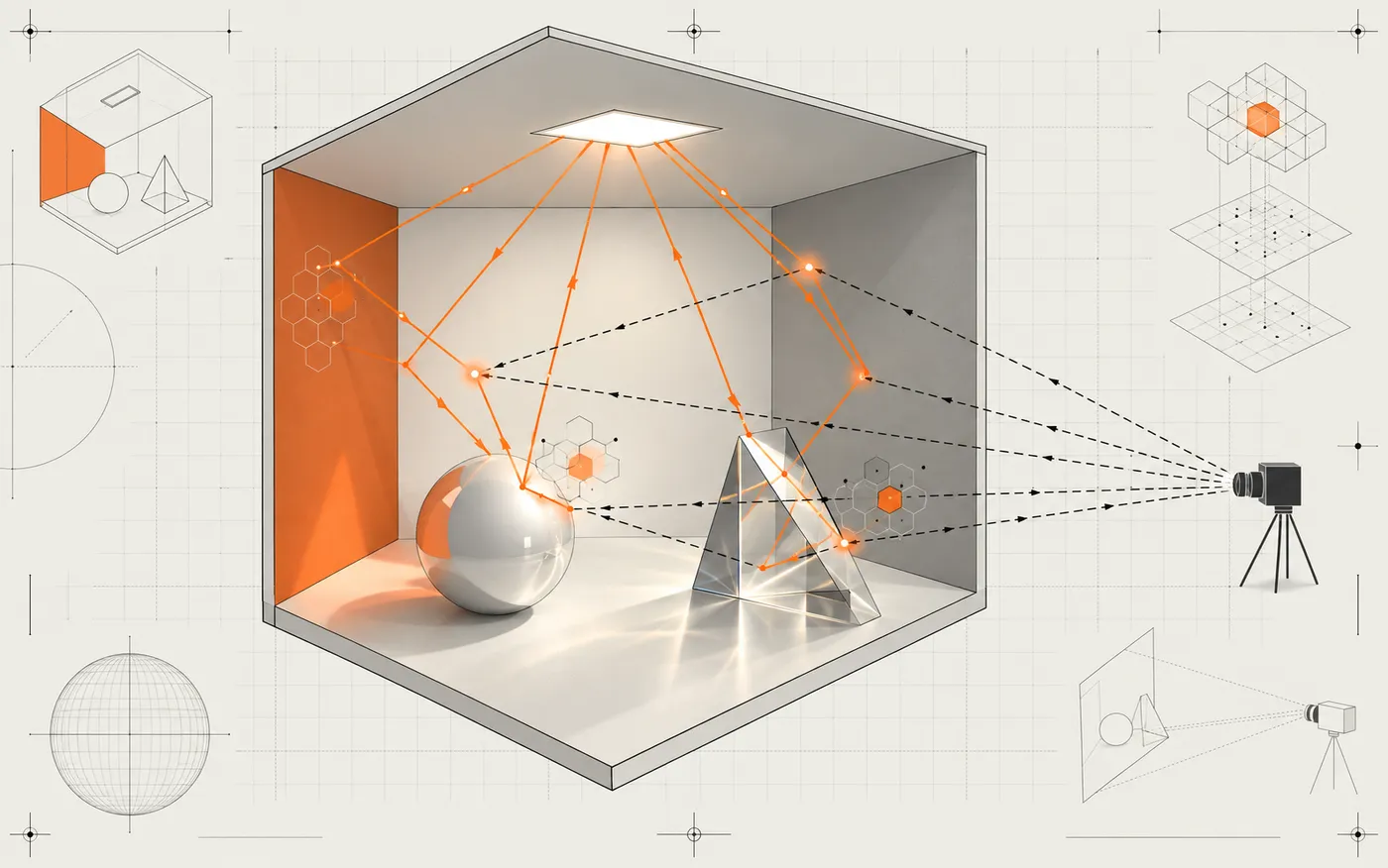
Aurelia is a Blender 5.2 render-engine front end for
SPCBPT-OptiX7. It supports F12 rendering and Blender's Rendered viewport.
The default Native backend owns a persistent CUDA/OptiX session inside the
Blender process; Bridge Process remains an isolated compatibility fallback.
Official glTF export for restricted interactive F12 jobs
Background Blender CLI
aurelia_spcbpt/native_session.py
Native loading, process-wide session, camera/resize hot updates and progressive batches
Blender worker thread
aurelia_spcbpt/protocol.py
Versioned JSON and little-endian scene-linear RGBA32F validation
Process contract
aurelia_spcbpt/bridge.py
Child process, progress, timeout, cancellation and Native failure fallback
Isolated process boundary
aurelia_spcbpt/viewport.py
Generations, navigation/settled policy and single-GPU worker
Scheduling boundary
native/python_module.cpp
CPython 3.13 interface exported by aurelia_native.pyd
In-process C++ boundary
native/session.cpp
Persistent RendererSession and RGBA32F batch readback
C++/CUDA/OptiX
native/main.cpp
One-shot aurelia_bridge.exe fallback
C++/CUDA/OptiX child process
renderer/SPCBPT-OptiX7
PT, LVCBPT and LVCBPT + Proxy core
Vendored build-time snapshot
flowchart LR
    subgraph BL["Blender 5.2"]
        RE["bpy.types.RenderEngine<br/>F12 / view_update / view_draw"]
        VC["ViewportPolicy + Controller<br/>generation / debounce"]
        OUT["Combined / GPUTexture"]
    end

    SCENE["Evaluated Scene<br/>GLB + sidecar"]

    subgraph NATIVE["Default: in-process Native"]
        NS["NativeSessionRunner"]
        PYD["aurelia_native.pyd"]
        SESSION["persistent RendererSession"]
    end

    subgraph FALLBACK["Fallback: isolated Bridge"]
        BRIDGE["aurelia_bridge.exe"]
    end

    CORE["RendererRuntime + Workflow<br/>PT / LVCBPT / Proxy + OptiX"]

    RE --> VC
    RE --> SCENE
    SCENE --> NS
    VC --> NS
    NS --> PYD --> SESSION --> CORE
    VC -. "AUTO failure or explicit selection" .-> BRIDGE --> CORE
    CORE --> OUT --> RE
Loading
Native and Bridge link the same renderer core; they are not separate
algorithms. Native camera updates reuse scene and OptiX state. Each Bridge
request owns an isolated temporary directory containing its scene, result,
status and cancellation paths. The viewport sequence below shows the complete
navigation and settled-render handoff.
Build the native bridge
Requirements: Windows x64, CUDA, OptiX 8+, Visual Studio C++/CUDA support,
CMake 3.27+, CPython 3.13 development files, and a supported NVIDIA GPU. The
tested release toolchain is CUDA 12.2 with OptiX 9.1.
The required renderer core is already vendored at
renderer/SPCBPT-OptiX7; no sibling checkout or compatibility patch is
required. AURELIA_SPCBPT_ROOT remains an optional override for renderer-core
development. The snapshot source and exact upstream commit are recorded in
UPSTREAM.md.
Then open an x64 Visual Studio developer PowerShell and configure the bridge.
Replace the OptiX SDK path and CUDA architecture for your machine:
The Bridge and OptiX IR are written to build/native/bin/; the Blender 5.2
native module is written to build/native/python/.
The vendored renderer is a build-time dependency: CMake compiles and links its
runtime into both native backends. It is not an installed-Extension dependency.
Build environment hygiene
Aurelia does not use AI-service credentials. CMake, NVCC, and their child
processes still inherit the parent shell environment, and verbose compiler
diagnostics may echo inherited values. Build from a clean developer shell and
do not keep unrelated secrets in that environment.
Development installation
For live development, link the Python package into Blender's local Extension
repository:
That entry is shown as Aurelia SPCBPT (Legacy). Do not install or enable
both entry paths at the same time.
In Blender:
Select Aurelia from Render Properties > Render Engine.
Leave Backend at Native (Auto Fallback). Select Bridge Process
to force the compatibility process.
Choose PT, LVCBPT, or LVCBPT + Proxy and set samples.
Press F12, or switch a 3D Viewport to Rendered.
The Render, Output, material Surface, World Surface, camera lens and supported
light controls remain visible while Aurelia is selected.
Interactive F12 runs the official glTF exporter in an isolated
blender --background child because Blender removes UI context members from
the active RenderEngine.render() job. This avoids loading a second UI window,
but adds Blender process startup time to F12.
Build the Extension ZIP
With Blender closed and the native bridge already built, create the
installable Windows x64 ZIP using Blender 5.2:
The release script stages the Python front end, native module, CUDA runtime,
Bridge fallback, and OptiX IR, then delegates ZIP creation to Blender's
Extension command. No renderer source tree or build directory is required.
The destination computer does not need CMake, the CUDA Toolkit, the OptiX SDK,
or a separate renderer checkout. It still needs Blender 5.2, a compatible NVIDIA
driver/GPU, and the Microsoft Visual C++ 2015-2022 x64 runtime.
Viewport behavior
Camera navigation uses plain PT while the GLB, scene, GAS/IAS, SBT,
materials, textures and native Session remain resident.
A camera change only uploads camera parameters and resets accumulation. Old
camera samples are never accumulated into the new camera.
This edit-time PT is plain path tracing: path guiding and LVC/Optimal-E
preprocessing are disabled. World HDR sampling state is still initialized.
After Idle Restore Delay, it automatically returns to the selected
LVCBPT or Proxy integrator and rebuilds preprocessing. The default delay is
1 second and can be raised to avoid accidental advanced rebuilds.
Editing during LVCBPT/Proxy preprocessing requests native cooperative
cancellation. The renderer exits at the next CUDA synchronization or major
CPU-stage boundary, cleans the partial state, and runs the latest-camera PT
request next. The previous PT texture stays visible during the handoff.
F12 is a separate final-render job. Viewport edits do not cancel it.
Cancellation is scoped to the exact viewport-job owner, even though both
paths share the process-wide Native runner.
The most recently completed texture remains visible; only the latest
generation can become the final Current result.
The latest export, scene-build, preprocessing, render and first-pixel
timings are shown in Render Properties.
Continuous navigation now uses Cycles-style delayed cancellation and
latest-camera coalescing. The active 1-spp navigation batch may finish and
display as Navigation/Stale; intervening input retains only the latest
camera, which starts immediately afterward. A running settled PT or advanced
pass is cancelled as soon as navigation begins. Idle then starts final PT or
restores LVCBPT/Proxy once. Navigation samples default to 1 and remain exposed
in Render Properties.
sequenceDiagram
    participant UI as Blender input
    participant C as ViewportController
    participant R as persistent Native PT
    participant D as GPUTexture

    UI->>C: camera G1
    C->>R: G1, 1 spp
    UI->>C: camera G2 / G3 / G4
    Note over C: coalesce pending to G4
    R-->>C: G1 navigation frame
    C-->>D: show as Navigation/Stale
    C->>R: latest G4, 1 spp
    R-->>D: show G4
    Note over UI,C: Idle Restore Delay
    C->>R: final PT or one advanced restore
    UI->>C: edit while advanced preprocessing runs
    C-->>R: cancel at native safe point
    C->>R: latest-camera PT preview
Loading
Blender data access and GLB export run on Blender's main thread; rendering uses
one process-wide Native Session. Scene-data edits rebuild the scene package.
Auto retries through Bridge when native loading, GPU/OptiX initialization or
rendering fails.
Supported scene subset
Blender data
Supported
Explicitly rejected for now
Geometry
Evaluated render-visible triangle meshes, transforms, instances exported by Blender GLB
Curves, volumes, hair, Grease Pencil and other non-mesh objects
Camera
Perspective, active scene camera and perspective viewport camera
Orthographic, panorama, DOF and motion blur
Material
Direct Principled BSDF; base color, metallic/mirror, roughness, image textures, Normal Map image, emission, constant Transmission + IOR, and same-image Alpha cutout
Transmission textures, fractional opacity blending, separate opacity maps, subsurface, coat, sheen, anisotropy, Bump/procedural nodes and arbitrary node graphs
Light
Square/rectangular Area and Sun, with a calibration multiplier
Point, Spot, disk and ellipse Area
World
Constant color or a readable Radiance .hdr; HDR strength must be 1
Procedural World graphs and non-HDR environment files
Unsupported content fails with the relevant Blender object, material, light,
camera or World name instead of being silently approximated.
Transmission and Alpha are intentionally separate. Principled Transmission is
physical BSDF transmission and is exercised by PT, LVCBPT and Proxy. A linked
Alpha output from the same Base Color image is binary coverage with a 0.5
threshold; it is not fractional glass or volume absorption. Emissive surfaces
are visible in PT, but are not yet registered as importance-sampled mesh lights
for the advanced integrators; use Blender Area or Sun lights for illumination.
BlenderKit and external assets
Aurelia does not call the BlenderKit service API. Once an asset is downloaded or
appended, it is ordinary evaluated Blender data and follows the same supported-subset
table above. Complex material graphs may need an explicit direct-Principled conversion.
Third-party scenes and assets used for local compatibility checks are not redistributed
by this repository; their original licenses still apply.
The validation matrix is deliberately small and varied:
Packed textures, many materials, glass, Area lights
Orthographic camera converted to perspective; Spot lights hidden; unsupported Bump/specular links and fractional/separate opacity made explicit fallbacks
68 mesh instances, 48 materials, three Area lights, glass and Alpha cutout
Eight curves converted to mesh; one procedural wood material flattened; one Bump link disabled
64x64 / 1 spp Native PT complete and non-black
The project-created scenes/simple.blend is included for installation and
rendering checks and is distributed under the repository's GPL-3.0-or-later
license. The two linked BlenderKit assets remain external and retain their
source licenses. A successful row means scene export, native renderer
loading, OptiX build and one-sample PT all completed with the exact-size RGBA32F
result; it is not a claim of pixel equality with Cycles. Like Cycles, Aurelia
fills the complete 3D View Region in both Camera View and free perspective;
the area inside Blender's Camera Frame keeps the final-camera composition.
Blender composites viewport overlays after the renderer, as it does for Cycles;
floor grids, axes, selected outlines and helper objects can therefore remain
visible. Use Blender's Show Overlays switch (Shift+Alt+Z) or disable the
individual grid/axis options when a clean preview is required.
Protocol completion is necessary but not sufficient; final scene acceptance also
requires visual inspection in Blender.
Known 0.3.0 limits
PT successfully loads the validated 1.9-million-triangle bedroom scene. LVCBPT and
LVCBPT + Proxy remain experimental; that complex scene still triggers an
algorithm-side CUDA error during advanced preprocessing.
Camera-only navigation reuses the loaded scene. Geometry, material, texture, light,
and World edits still perform a full GLB export and scene reload.
Cooperative cancellation normally reaches a warm-cache safe point quickly, but the
first OptiX JIT compilation call cannot be interrupted from the Extension.
Alpha BLEND is currently binary cutout, not accumulated fractional opacity;
transmission textures and importance-sampled emissive mesh lights remain future work.
The packaged release is Blender 5.2 / Windows x64 / NVIDIA only.
Verification
The automated suite covers protocol/process ownership, Blender conversion,
fake and native F12, PT, LVCBPT, Proxy, SUN/World, textured normal materials,
mirror/transmission/IOR, Alpha cutout, emissive textures, viewport policy,
Blender 5.2 UI compatibility, and a real interactive GPU
texture/draw callback. The main entry points are:
The navigation acceptance briefly opens a Blender window, moves the viewport
20 times, and verifies multiple frames plus unchanged GLB mtime and Native
scene generation: